

Have you used heatmap software?
The longer you’re in business, the more likely you are to try it. For example, a number of my contacts have raved about a free heatmap solution from Microsoft called Clarity.
These solutions usually show colored blobs of visitor activity on a page that range from green to red, with red corresponding to the most time spent viewing a specific section of the page, or interacting with a page element like a link or button (loosely tracking click events) or a form (loosely tracking the prospect of form submissions).
The instances of “loosely” and “prospect” in that last sentence are important
While heatmaps are valuable for small business owners who generate most or all of their revenue from their website, I view them as a starting step down the path of solid analytics. If they don’t have Google Analytics installed or use any other website analytics solution, heatmaps provide visitor data that’s better than nothing.
Some heatmap solutions go further than just showing a “storm weather on a map” level of visitor activity. Microsoft Clarity, for example, provides click maps, which track where visitors click or tap, depending on whether they are on a desktop or laptop, or a mobile device.
Yet, even with click data, heatmaps don’t measure up to conversion tracking when it comes to providing the best analytics foundation to use in making decisions about page content to expand versus reduce or eliminate.
The value of well implemented and tested website conversion tracking
For my Website CRO+ service, a few days ago I did a quick, high level review of a prospect’s website. This potential client offers a SaaS product for government websites. His homepage — which does most of the selling, on a website with fewer than 20 pages — has no fewer than seven buttons in the page design that all point to a live demo-booking page.
What’s key about these button calls to action (CTAs) is that the sales verbiage around each of them is different. Each button is housed in its own section, each of which addresses different points to remove fear, uncertainty, and doubt (FUD) from his prospects’ minds so they’re more likely to click through and book a demo. And because a large share of his buyers convert from “demo booked” to purchasing a subscription, I shared feedback with my prospect that he might want to start tracking “book demo” button clicks from each of the page sections that have them. After making this update, I pointed out, he will be able to see which sales message or angle resonates the most with the average visitor. Based on this data, he can then consider moving sections around on the page — and/or removing any poor-performing sections — in order to increase the overall number of conversions (his prospects who book a demo).
But that’s not the end of the story…
This is where conversion tracking soundly beats heatmaps. In a multi-stage (multiple web page or screen) buyer journey, there’s a key action a visitor takes after the click or tap, to which businesses can start assigning revenue value. Using the website example from above, this action is “demo booked.”
Thus, I shared with my prospect that with my help, I can set him up to track the flow from:
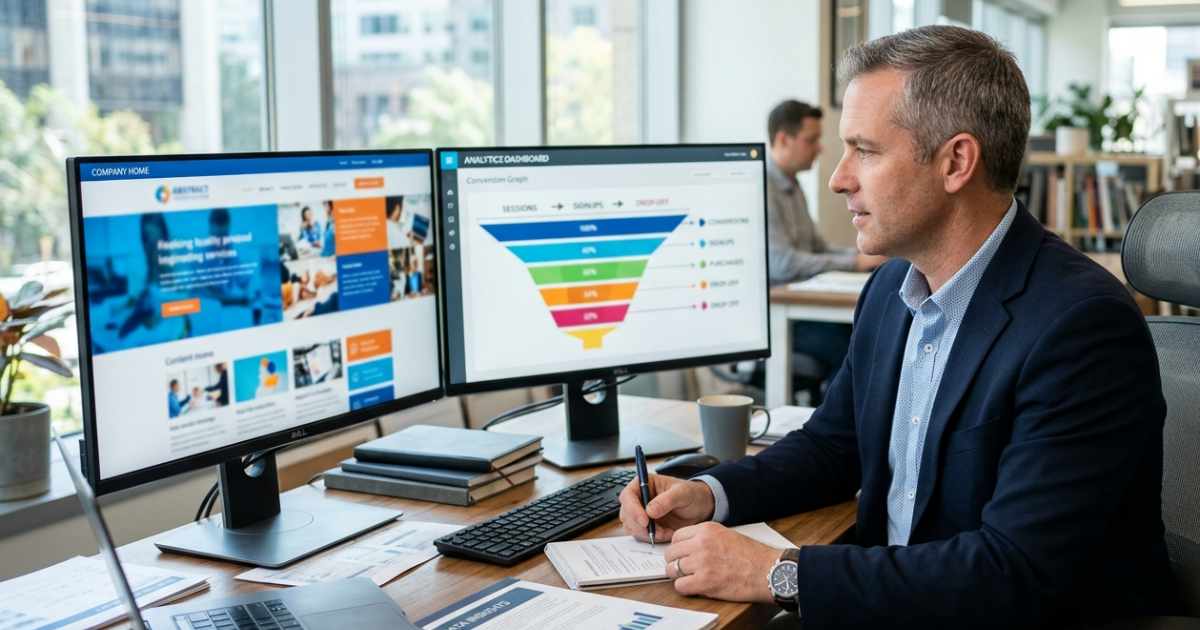
Click “book demo” button (and the specific sales angle can be included in the tracking event name) → demo scheduling page → demo booked
With this data coming in to his Google Analytics (GA4) and Google Tag Manager properties, he can then go even further to calculate the conversion rate from demo booked → paid subscription, in coordination with his CRM.
What’s also great about getting this set up in GA4 and Google Tag Manager is that additional, pertinent client or customer data layers can be tacked on to the start of the process. In other words, who lands on the page and starts the process by clicking one of the various “book a live demo” buttons. For example:
New or returning visitors
Marketing channel, including from AI chatbots like ChatGPT or Claude
Male/female breakdown
Device: desktop/laptop vs. phone vs. tablet
A business website trend that makes conversion tracking even more compelling
My same client prospect from above owns and operates a separate website — also for government customers — that sells a one-time-purchase product. This website is part of a growing trend: it basically only has one page — the homepage — that’s doing all the selling. (He also has legally required pages for Terms, Privacy, and Refund Policy, in addition to a blog section.)
One-page websites are becoming more popular for many reasons, including:
They cost less to build
They’re easier and cheaper to maintain; fewer pages to update
They tend to work better on mobile phones, which is the preferred visitor device category for many businesses, especially those that are B2C
They often guide visitors through a clear story using simple scrolling instead of menus, which can become confusing in both placement and verbiage
With this approach encompassing more websites, it means that the average business needs to use more (and more varied) content on the page to maximize conversion points that lead to a sale or subscription, whether they be “click to call” links, “book a demo” buttons as mentioned above, “book a meeting” buttons, lead magnet form submissions to get visitors into a business’s email marketing ecosystem, or others.
Far beyond a color-coded view of what’s noteworthy for visitors on a page, or even click clusters from a heatmap solution, properly set up and tested conversion tracking in Google Analytics allows businesses to see the full picture of what resonates, who it resonates for, and how what’s presented translates to leads and sales.
In conclusion
While heatmaps will continue to provide value — especially for first-time business owners, and particularly those whose skillset is outside of marketing — setting up a conversion tracking framework is the best way to understand what’s working and what’s not in the conversion funnel. Pivotally, it also provides hard data — and removes guesswork — when it comes to deciding what to update on your site based on how your business evolves over time.
If you’d like a no-obligation, high-level analytics tracking review of your homepage, book a call with me. You’ll come away with insights you can run with, and I also know many great marketing specialists if you need help in other areas of digital marketing, such as branding, paid ads, or SEO.
